Download the newest version:
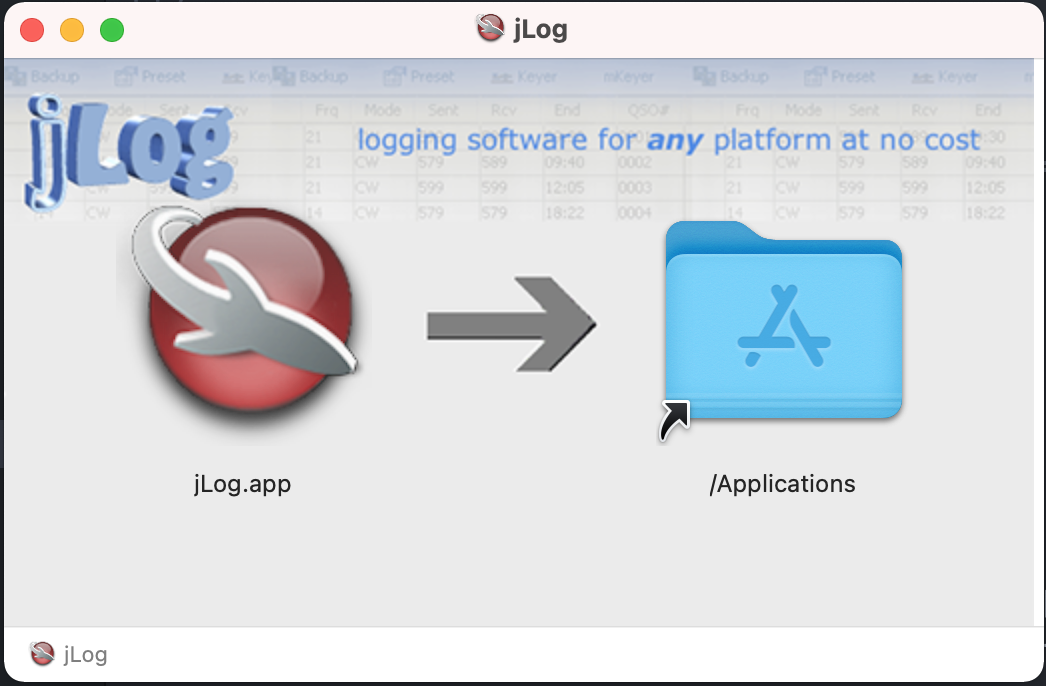
Click on the downloaded file and a Dialogue box (first picture) apears and allows you to simply drag (mouse down) jLog to the Applications folder. Close the dialogue afterwards and then unmount the installer by dragging the jLog Desktop icon to the Bin or right-click on it and select Eject.
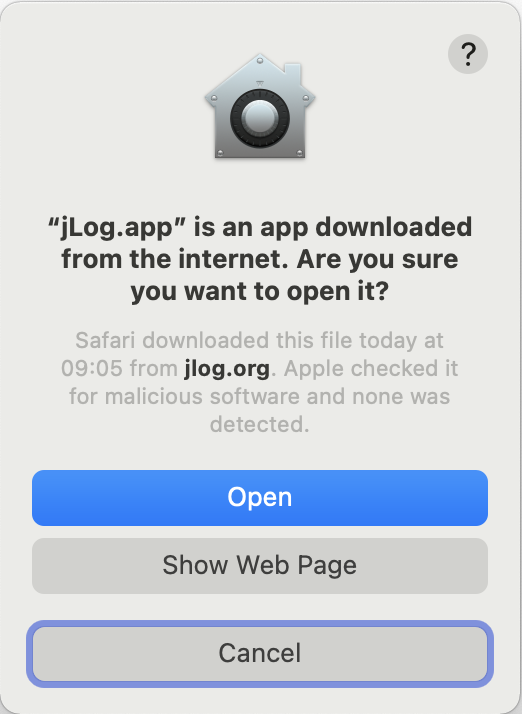
Click on the jLog.app in Applications to run jLog. The first time after downloading the app, a system warning will appear (second pricture). Click Open and jLog should run.
Note that for macOS 10.13 - 11, you may need to open Terminal and run:
cd /Applications
xattr -d com.apple.quarantine jLog.app
Confirm when prompted. Then just click to run jLog as normal.
Simply drag jLog.app to the Bin.
You may also remove your personal files by moving the