|
|
Please enable
JavaScript
to see the
Advanced Menu
|
|
|
|
|
Download the jLog application for Windows
The installer and optional files are available under these License
conditions:
Instructions
- Unless already installed, please install the Java Runtime
Environment before installing the jLog
application.
- For V 4.x: Install the RXTX files (the RXTXcomm.jar file is
needed even when a Radio is not to be used).
For V 5: RXTX is not
needed!!!
- Log in as the preferred user (must have Administrator
privileges) and download the installer program that
corresponds to the
selected version of jLog
- Uninstall any previous version of jLog before installing
V 4.7 or V 5. Note that the RXTX-files must be REMOVED for jLog V5.
- For V 4.x:
start the installation by double-clicking the install.exe
file.
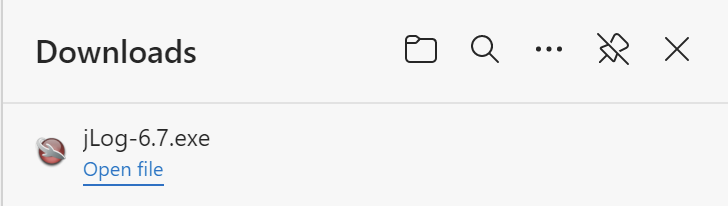
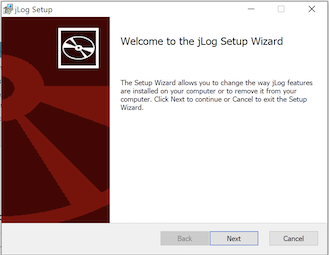
For V 5: Either download installer.exe **) and start the installation by double-clicking the installer.exe
file, or to avoid warnings, download installer.zip, unzip it to a temporary folder and run Setup.exe)
**) Note that Windows 7 will claim that "This program is not commonly downloaded and could harm your computer".
Select Actions, then More Options and "Run Anyway".
Additional notes for Windows Vista and Windows 7
when using jLog V4.6 or older (i.e. not for jLog V 4.7 or V 5.x):
- Please use Java 6
Update 26 or newer.
- You need to download msvcr71.dll e.g. from dll-files.com
and install it into 'C:\Windows\System32\'
and for 64-bit Windows also 'C:\Windows\SysWOW64\'
- Note that Java and jLog will be placed under 'Program files (x86)'
under Windows 7.
- Do not use
the jLog command 'Help->Check-for-Updates'
unless you have disabled 'User Access Control' (UAC).
- Look for "disappeared" jLog and Java files in 'C:\Users\<username>\AppData\Local\VirtualStore\Program
Files (x86)\'
|